|
By the end of this guide, you will be able to customise your Time Sheet Export Settings and generate a signed Time Sheet export. You can control which columns appear, which signatures are included, and the format of the final export.
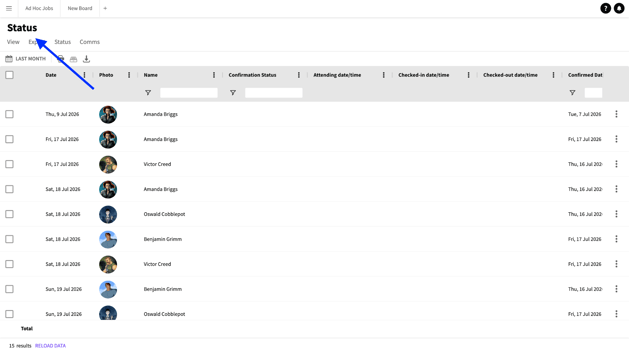
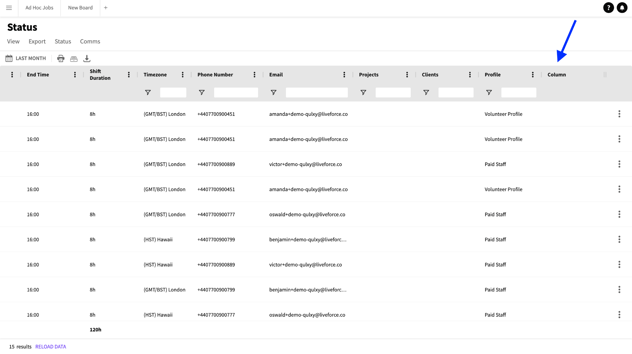
Go to the Status Page. BOARDS > STATUS.
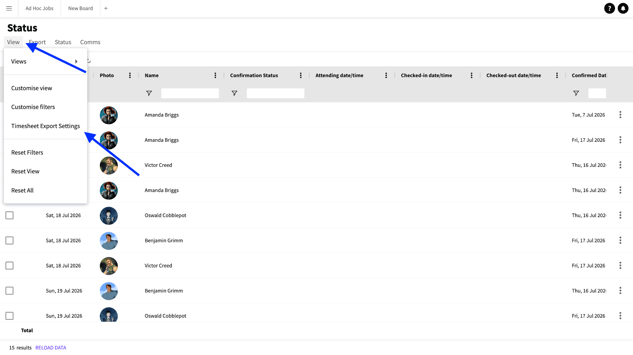
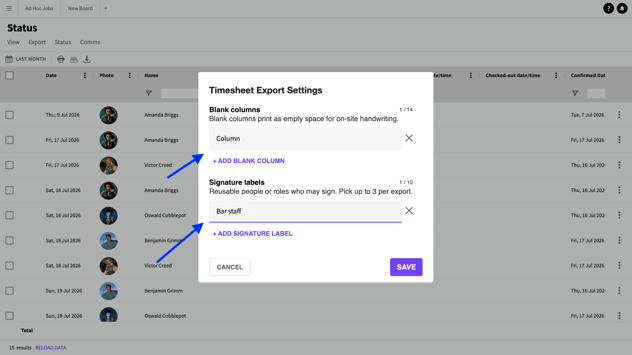
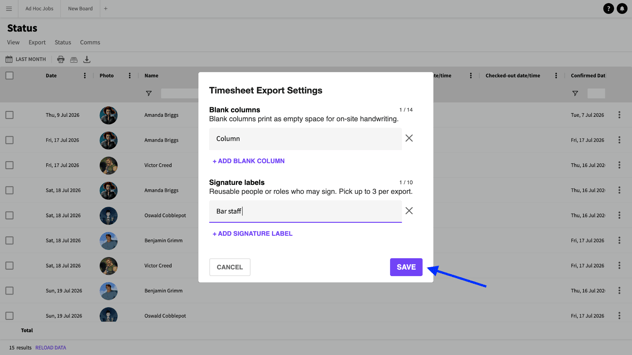
Status page Click VIEW then click TIME SHEET EXPORT SETTINGS Timesheet Export Settings On the pop in add or remove blank columns and signature labels, and limit signature labels if needed. Popin Click SAVE.
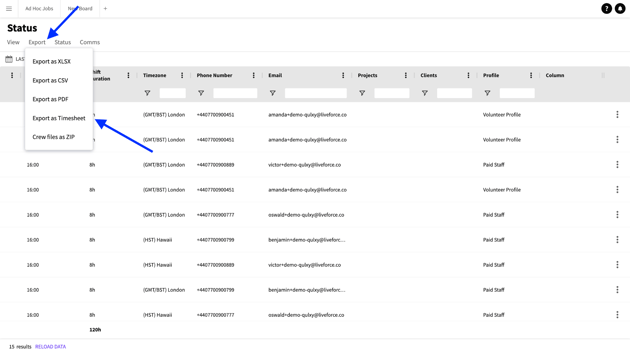
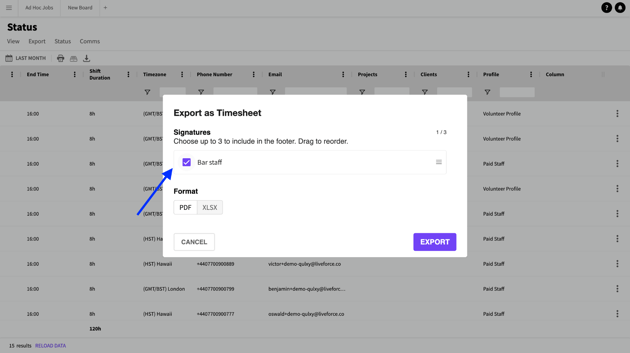
SAVE button Your edit is now visible on the Status Page. Edits on Status page Click EXPORT then EXPORT as TIMESHEET. Export as timesheet Choose up to 3 signatures, rearrange the order if needed, and choose your export format.
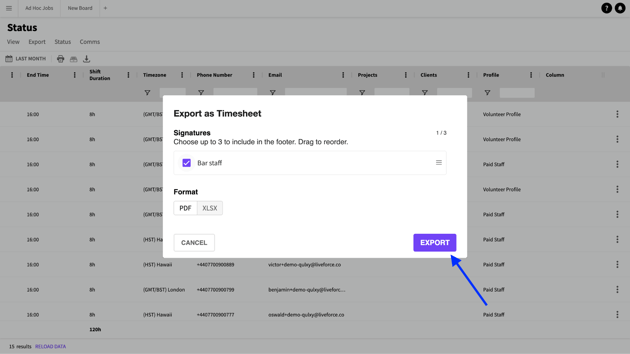
Signatures Click EXPORT. Your export is ready in your device in the format that you selected..
|